

A promo for a technical product has two different jobs: give someone a reason to watch and explain what the product does. Generated footage can help with the first. It does not establish the second.
For the UI Craft pilot, I am combining a shot made with Magnific, a demonstration prepared in stageshow, kinetic type and audio. HyperFrames handles the composition, using a brand kit based on the landing page.
This is a pilot under review, not a campaign with measured results. The central demo is staged; it is not a recording of commands running in a real session.
Give the generated shot a specific job
The opening uses a dog figure based on UI Craft's actual icon. According to the pilot documentation, the material is generated with Magnific and animated with Kling 2.5.
I want an opening image that relates to the product. I am not asking it to draw a readable terminal or fabricate an interface that looks like the application working.
For a shot like this, I would give the agent the reference icon, framing, movement and space needed for text. I would also specify what must stay unchanged. A beautiful result does not satisfy the brief if it changes the figure's identity.
The sequence needs review beyond its first frame. An initial image can fit perfectly and still lose its shape or framing once animated.
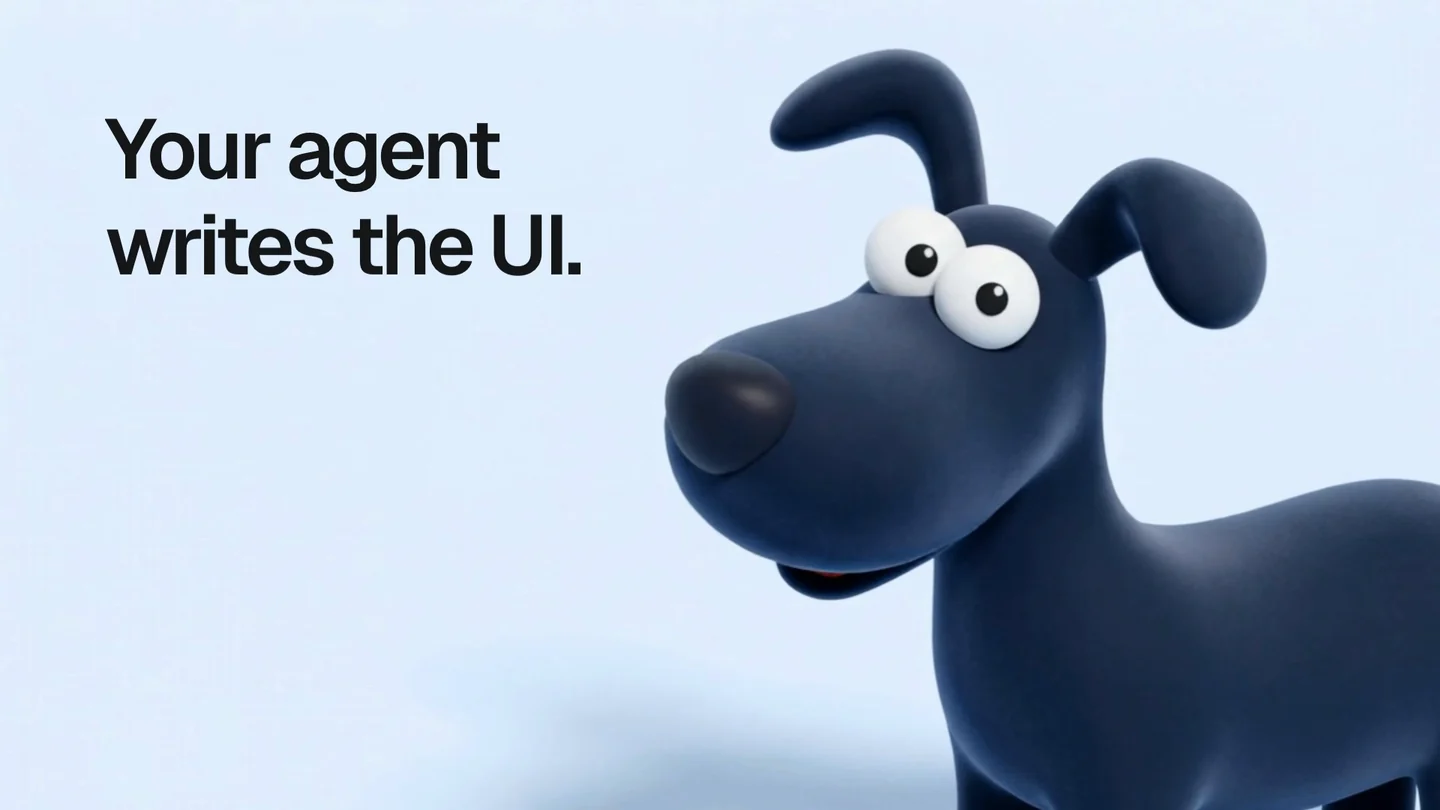
Opening frame from the pilot: a figure generated with Magnific and animated with Kling 2.5, with text added in the composition. This is not an application screenshot or evidence of an actual execution.
The staged demo explains a different part
The central scene represents a UI Craft review flow: identify problems, show a blocked state and move towards a ready state after corrections.
The script uses detector patterns and command formats as references. But its states and timing are prepared for the piece. They do not establish real execution time, a consistent number of correction passes or an accuracy rate.
That distinction needs to survive the edit. To demonstrate actual product behavior, I would need a recording of a verifiable execution. The Diorama video starts with captures of working pages; this piece uses a representation of a workflow.
One kit for material from different sources
Generated footage, a demo and titles can easily look like three unrelated videos joined together. The kit establishes shared choices around the logo, color, type and visual tone.
One pilot detail is a useful review criterion: UI Craft flags elastic bounce motion as a problem. Its own promo should not rely on that effect to make things feel more animated.
Before adding an effect, I need to check whether it contradicts the product's message. The tool assembling the video will not resolve that contradiction on its own.
Audio needs room too
The piece includes music and effects prepared through Magnific. Its documentation describes the mix and sound cues associated with the visuals.
Having sound effects available does not mean every movement needs one. I would check whether they explain a scene change or compete with reading the demonstration. The video also needs to make sense without sound.
I have not compared the cost of generating this material with producing it another way. Nor would I attribute the result to a single prompt: there are references, assets, scenes, composition work and review passes involved.
What I am still discarding
Today's template review includes pieces marked unusable and others that need rebuilding. The pilot is recorded as usable, but that does not make every template in the system finished or replace approval for an individual publication.
This test helps me decide where each tool belongs. Magnific can provide a scene. A capture can demonstrate an interaction. A staged demo can explain a flow, provided it is described clearly.
For the next cut, I would start by removing anything that distracts from those differences.
 Magnific: image, video and audio tools
 HyperFrames: video with web technologies and agents