

A product video can look great and explain very little. Especially when the interface was generated for the occasion and does things the actual product cannot do yet.
For the Diorama video, I started with the working product. The figures come from its real pages. The edit is built with Remotion, and the project includes a reproducible capture process for the shots.
AI can help write the capture and composition code. What I want to avoid is letting it fill in a demonstration with imaginary product behavior.
What is actually in this video
The project produces a 38-second piece in three formats: landscape, portrait feed and full-screen portrait.
They are not simply three crops of one video. The composition adjusts the figure and text to the space available in each format. A figure that fits comfortably in landscape can leave no room for a headline on a narrow screen.
Remotion lets me express those choices in React. Animations depend on the frame being rendered, so I can regenerate a sequence after changing a title or adjusting a shot.
That also makes the implementation easier to hand to an agent: there is code, a defined input and an output I can open and inspect.
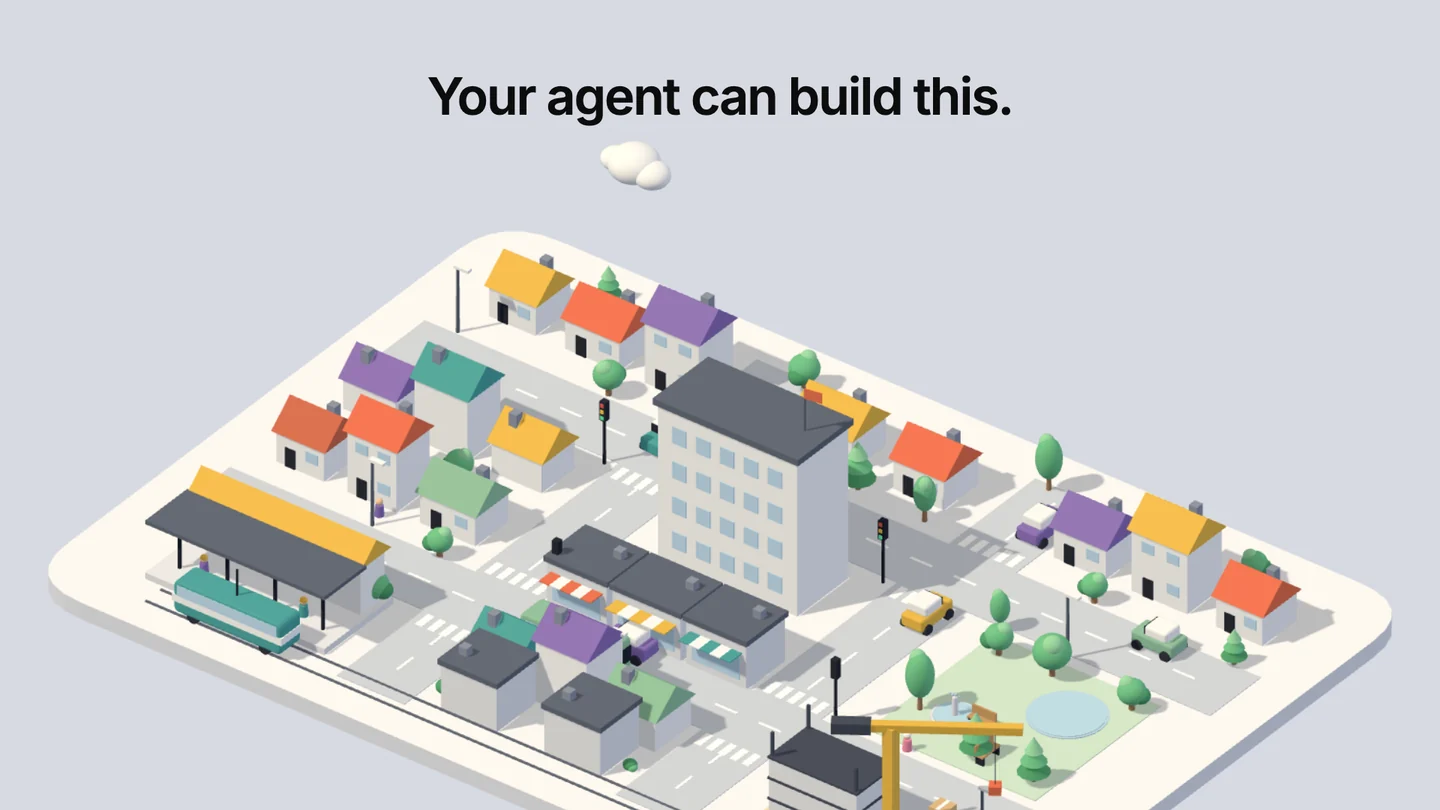
A frame from the Diorama render. The figure comes from its actual pages; the headline and framing belong to the Remotion composition.
Recording an animation without chasing it
Diorama's capture script opens the figure pages with Playwright. For these shots, it stops the scene clock and advances it in one-thirtieth-of-a-second steps.
This creates a specific frame sequence instead of relying on the recording starting at the right moment. Interactive shots also set the pointer position to show the intended state.
It works here because I control the scene and its clock. It is not a recipe you can apply unchanged to an arbitrary third-party website.
For this project, the useful property is repeatability. If the composition needs a different duration or another shot, I can trace the images back to a page and a known state.
A concrete mistake: capturing the wrong page
The video history includes a fix to capture Powder and Turntable from the gallery pages.
It sounds minor, but it affects whether the result is a faithful demonstration. A capture script can point to the wrong context while the composition still renders successfully.
A command completing without errors only checks part of the work. Someone still needs to look at the material. Here, checking where each figure came from mattered as much as checking the final file.
This is the kind of verification I want alongside agent-written code. The output can be technically valid and still be the wrong thing to show.
Audio and editing are separate decisions
The audio for this piece is synthesized by a Python script. It generates the backing track and effects using cue times shared with the composition. There is no recorded voice or track downloaded from an audio-generation service.
That distinction matters because “made with AI” can hide the actual process. This project combines product captures, composition code and synthesized audio. Those pieces need different checks.
I have not measured time saved against making the same video another way. Adding an impressive number would be easy. Establishing it would require an actual comparison.
What I would ask the agent to do
I would start with one short shot. The brief would identify the page, the state to show, the output format and one clear constraint: do not change the product to make the recording look better.
Then I would inspect sample frames before rendering every format. Framing mistakes are easier to fix there than after producing three videos with the same problem.
For a demo, I would rather show one small interaction that exists than an impressive sequence nobody can reproduce.
 Diorama on GitHub
 Remotion: animating from the current frame
 Playwright: screenshots